

Package Key Management and Auto Login
<p>Packages that have security require an access Key to open and configure the Package.
To reduce the ammount of times the Key needs to be entered the Auto Login with Keys may be enabled.
Select
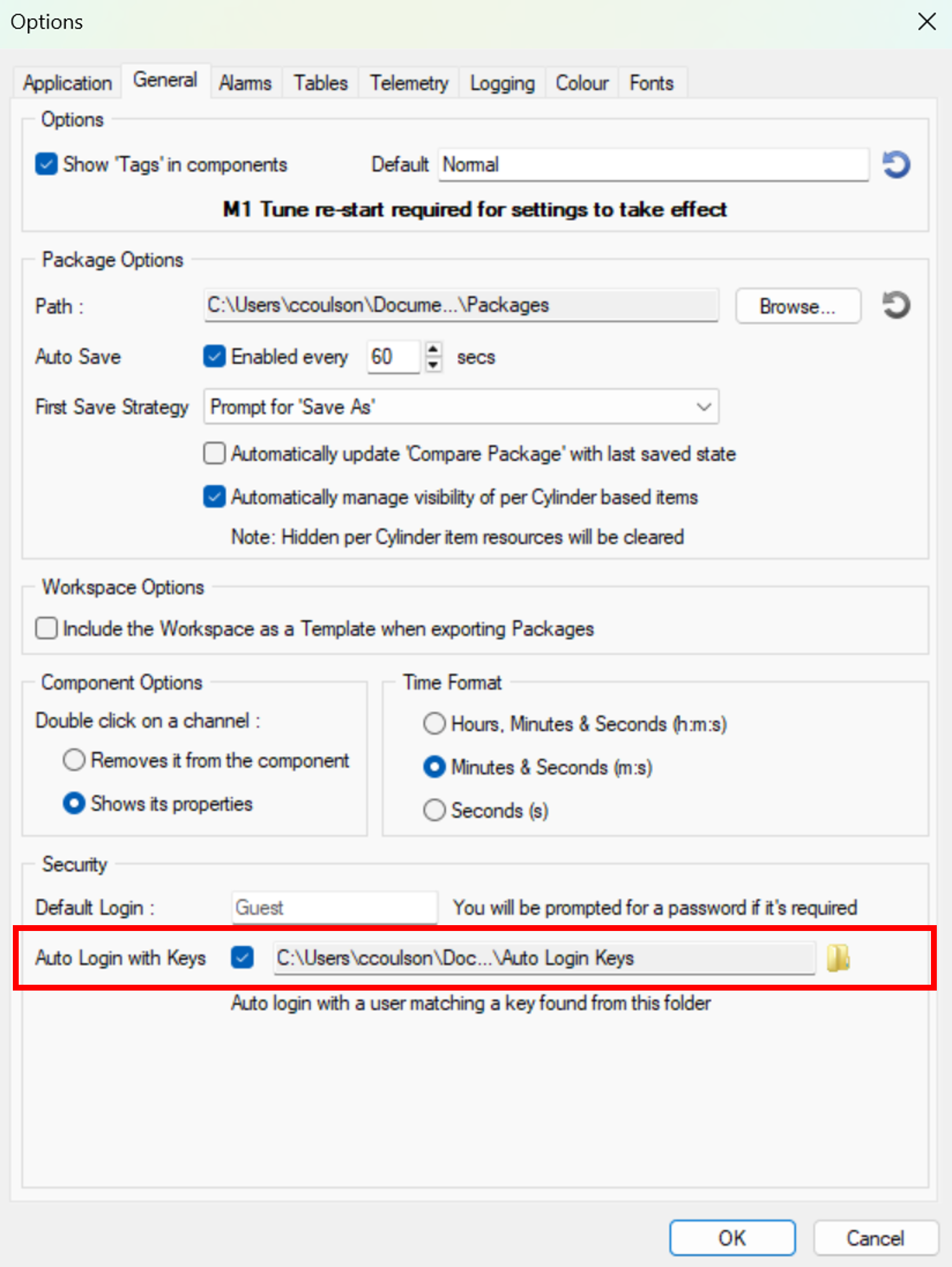
This is done by setting a folder containing all of the Package security keys in the options menu.
It is recommended to use the default directory assigned for this function on installation of the software, which will be found under